
Life changes. We get it. Making the decision to rehome a pet is one of the hardest things a Kiwi family can ever do.
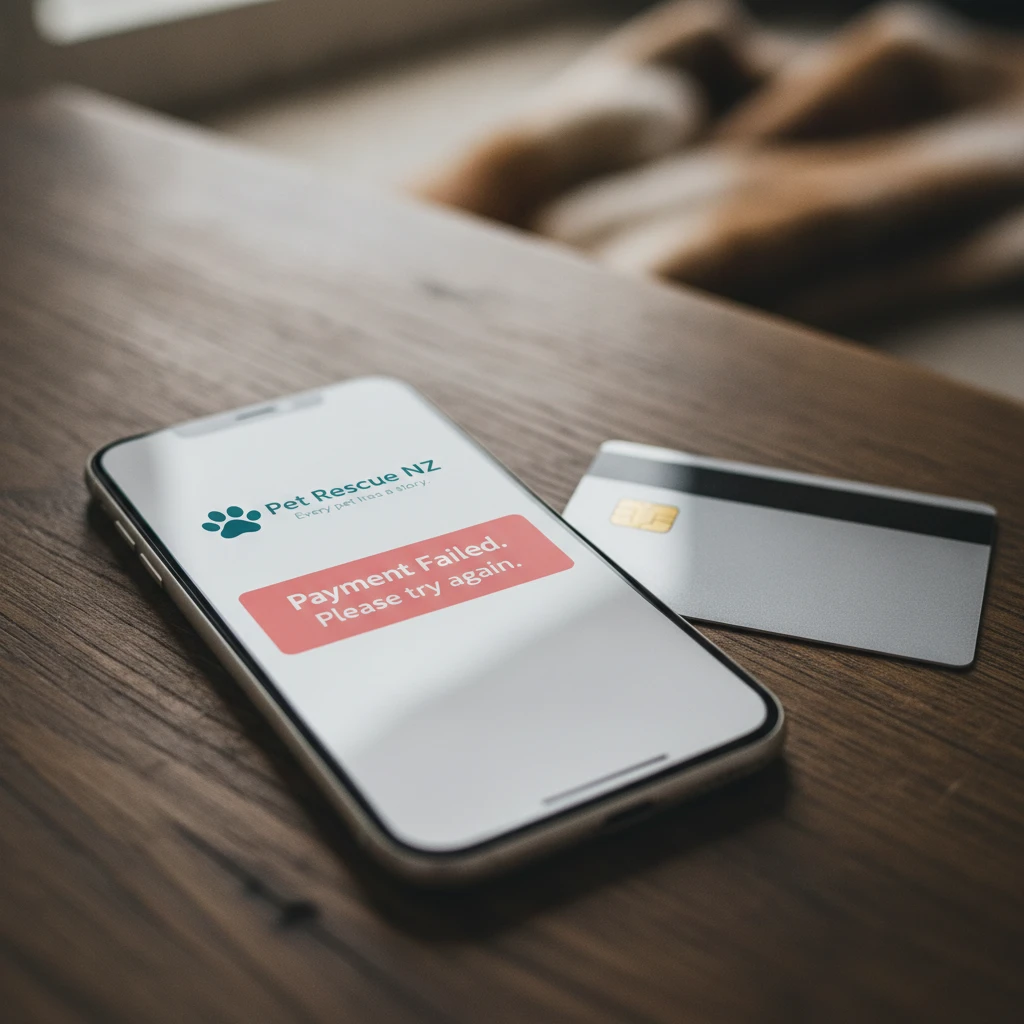
You have done the hard work, written a beautiful and honest profile, and you are finally ready to publish. Then, the screen flashes red. You see a payment failed message staring back at you.
Your heart sinks. It is the absolute last thing you need when you are already feeling overwhelmed and emotional. Take a breath. It happens to the best of us.
A payment failed error is incredibly common and usually very easy to fix. It does not mean you have lost your pet’s profile, and it certainly does not mean you are out of options.
In this comprehensive guide, we will walk you through exactly why this technical hiccup happens and how to resolve it quickly. We want your pet’s listing live just as much as you do, so let’s get this sorted together.
Key Takeaways
A payment failed error usually occurs due to insufficient funds, typos in billing details, or automated bank fraud filters. To fix it immediately, double-check your card numbers, ensure adequate balance, and wait 15 minutes. If blocked, a quick call to your bank resolves it.
Why Your Payment Failed: The Most Common Culprits
When technology refuses to cooperate, it is easy to assume the worst. You might think your card is broken or the website is broken.
The reality is usually much simpler. Payment gateways are highly sensitive systems designed to protect your money at all costs. If anything looks even slightly out of place, the system will block the transaction immediately.
Let us break down the most frequent reasons why your card might be declined while trying to list a pet or make a community donation.
Insufficient Funds in the Account
It sounds obvious, but it happens to absolutely everyone. Industry data shows that nearly 40% of all online transactions are denied simply due to a lack of funds.
With the cost of living in Aotearoa rising, it is incredibly easy to lose track of which direct debits have cleared and which are still pending. Before panicking, open your mobile banking app.
Check the available balance on the specific card you are trying to use. Remember, your ‘current balance’ and ‘available balance’ are often two very different numbers.
Even if you have an agreed overdraft facility, some banks restrict online marketplace transactions if you are heavily into your unarranged overdraft limit. Always check your available funds first.
Typos and Incorrect Billing Details
We are all guilty of rushing through online checkouts. Entering just one wrong digit in your 16-digit card number will trigger an instant decline.
The exact same rule applies to the expiry date and the three-digit CVV security code on the back of your card. Take a moment to carefully re-enter your details.
Ensure your billing address matches the one your bank has on file. A simple typo is often the only thing standing between you and a successful listing.
Aggressive Bank Fraud Filters
Banks in New Zealand take security very seriously. If you rarely make online purchases, or if you are trying to pay late at night, your bank’s automated system might flag the transaction as suspicious.
This is actually a good thing, as it protects you from theft. However, it can be deeply frustrating when you are just trying to upgrade your pet’s listing to find them a home faster.
Your bank will usually send a text message asking you to confirm the transaction. Keep your phone handy when checking out.

Step-by-Step: How to Fix a Failed Transaction Right Now
If you receive a payment failed alert, the most important thing is not to panic. Do not immediately hit the ‘pay’ button again and again.
Repeated rapid payment attempts can cause your bank to lock your card entirely, assuming a scammer is trying to guess your details. Follow these simple steps instead.
Step 1: Stop and Check Your Details
Take a deep breath. Delete the card details you just entered into the checkout form. Start fresh and type them in slowly.
Double-check each number against the physical card in your hand. Pay special attention to the expiry date, as this is the most commonly mistyped field.
Step 2: Wait 15 Minutes
Sometimes, the internet just has a hiccup. Payment gateways rely on complex global networks to talk to your local bank.
While New Zealand is making strides in digital payments, our banking infrastructure can still experience delays and batch-processing hiccups. Give the system 15 minutes to reset.
Grab a cup of tea, give your dog a scratch behind the ears, and come back to the screen later. Often, a short wait is all it takes to clear the error.
Before trying again, ensure you have: 1. Checked your available balance. 2. Verified your 16-digit card number. 3. Confirmed your CVV code. 4. Waited at least 15 minutes.
Step 3: Call Your Bank Directly
If you have checked your funds and your details are perfectly correct, the issue is likely on the bank’s end. Give them a quick phone call.
Every major Kiwi bank has a 24/7 fraud or card services team available. Simply tell them you are trying to make a legitimate online payment and it is being blocked.
They can lift the restriction instantly while you are on the phone, allowing you to refresh the page and complete your pet’s listing without further stress.
Why Pet Rescue NZ Uses Secure Payment Gateways
We partner with industry-leading payment processors to ensure your data is always safe. We do not store your credit card details on our servers.
This means that when a payment fails, the block is coming directly from your bank, not from us. This secure setup is designed to give Kiwi families total peace of mind.
While a declined card is annoying, it ultimately proves that the security systems protecting your hard-earned money are actively working.
The Payment Failed Scam: A Warning for Kiwi Pet Owners
Trust your gut. You will always know when a situation feels off. Unfortunately, scammers often prey on the emotional vulnerability of pet rehoming.
A very common tactic used on unmoderated platforms is a fake buyer messaging you to say their payment failed when trying to send you an adoption deposit.
They will then send you a link to a fake website, asking you to ‘verify your account’ or ‘pay a small release fee’ to receive the funds. This is a classic phishing scam designed to steal your credit card details.
Pet Rescue NZ will never ask you to verify your banking details through a third-party link sent by a stranger in a message. If a buyer claims their payment failed and sends a link, report them immediately.
We keep things safe, transparent, and strictly home-to-home. All legitimate platform fees are handled securely through our official checkout pages, never via direct messages.
If you are ever unsure about a message you have received from a potential adopter, reach out to our community support team. We are here to protect you and your pet.
Understanding Bank Declines in New Zealand
With over 70% of Kiwis now preferring digital or contactless payments over cash, understanding how these digital systems work is more important than ever.
When a transaction is blocked, your bank generates a specific decline code. While you might only see a generic error message on your screen, the banking system knows exactly what went wrong.
Here is a breakdown of the most common internal bank codes that trigger a failed payment alert, and what they actually mean for you.
| Bank Decline Code | What It Actually Means | How to Fix It |
|---|---|---|
| Code 51 | Insufficient Funds | Transfer money into your account and try again. |
| Code 05 | Do Not Honour (General Decline) | Call your bank. They have placed a security block on the card. |
| Code 54 | Expired Card | Check the date on your card. You may need to use a new one. |
| Code 14 | Invalid Card Number | You have made a typo. Carefully re-enter the 16 digits. |
Understanding these codes takes the mystery out of online payments. If you are ever on the phone with your bank, you can ask them exactly which code was triggered to get to the bottom of the issue faster.
Alternative Ways to Support the Pet Rescue NZ Community
Sometimes, technology simply refuses to cooperate no matter what you do. If you are trying to make a community donation and your card keeps declining, please do not stress.
There are so many other valuable ways to help our mission. Your support does not always have to be financial. We rely heavily on community action to keep animals safe.
Sharing our urgent pet listings on your local community social media pages helps pets find their forever homes significantly faster. Every single share is a practical step toward a safe adoption.
You can also reach out directly to our support team. We are a family-run platform, not a faceless corporation. We understand that rehoming is stressful enough without technical roadblocks.
If you are genuinely struggling to get a priority listing live due to persistent payment issues, send us a message. We will always do our best to figure it out together and ensure your pet gets the exposure they need.
About the Author: Sarah Collins
Sarah is the Community Support Lead at Pet Rescue NZ. With over a decade of experience in animal welfare and community trust & safety, she is quietly passionate about helping Kiwi families navigate the emotional and practical steps of home-to-home pet rehoming.